

Organisation settings
Company details, workshop defaults, language, currency, dates, units and appearance — and running more than one workshop.
Audience:Workshop OwnerAdministrator
These settings describe your business and set sensible defaults for everyone in it.
Company
Settings → Company
| Setting | Notes |
|---|---|
| Company Logo | JPG, PNG, WebP or SVG, up to 2 MB. Printed on documents and shared pages. |
| Company / Shop Name | Your trading name. |
| Organization Number | Use for your ABN. |
| Phone, Email, Address | Printed on documents; the address is used as the default place of test on inspection certificates. |
| Service Type | Automotive (vehicles, odometer) or Marine (vessels, engine hours). |
Workshop defaults
Settings → Workshop
| Setting | Notes |
|---|---|
| Default Technician Name | Pre-selected on new work orders. |
| Default Labor Rate (per hour) | Used for new labour lines, unless a customer's price list sets another rate. |
| Unit System | Metric (km, liters) or Imperial (miles, gallons). |
| Default stock unit | Pre-filled on new parts. |
| Work Day Start, Work Day End | The working day on the Work Board. |
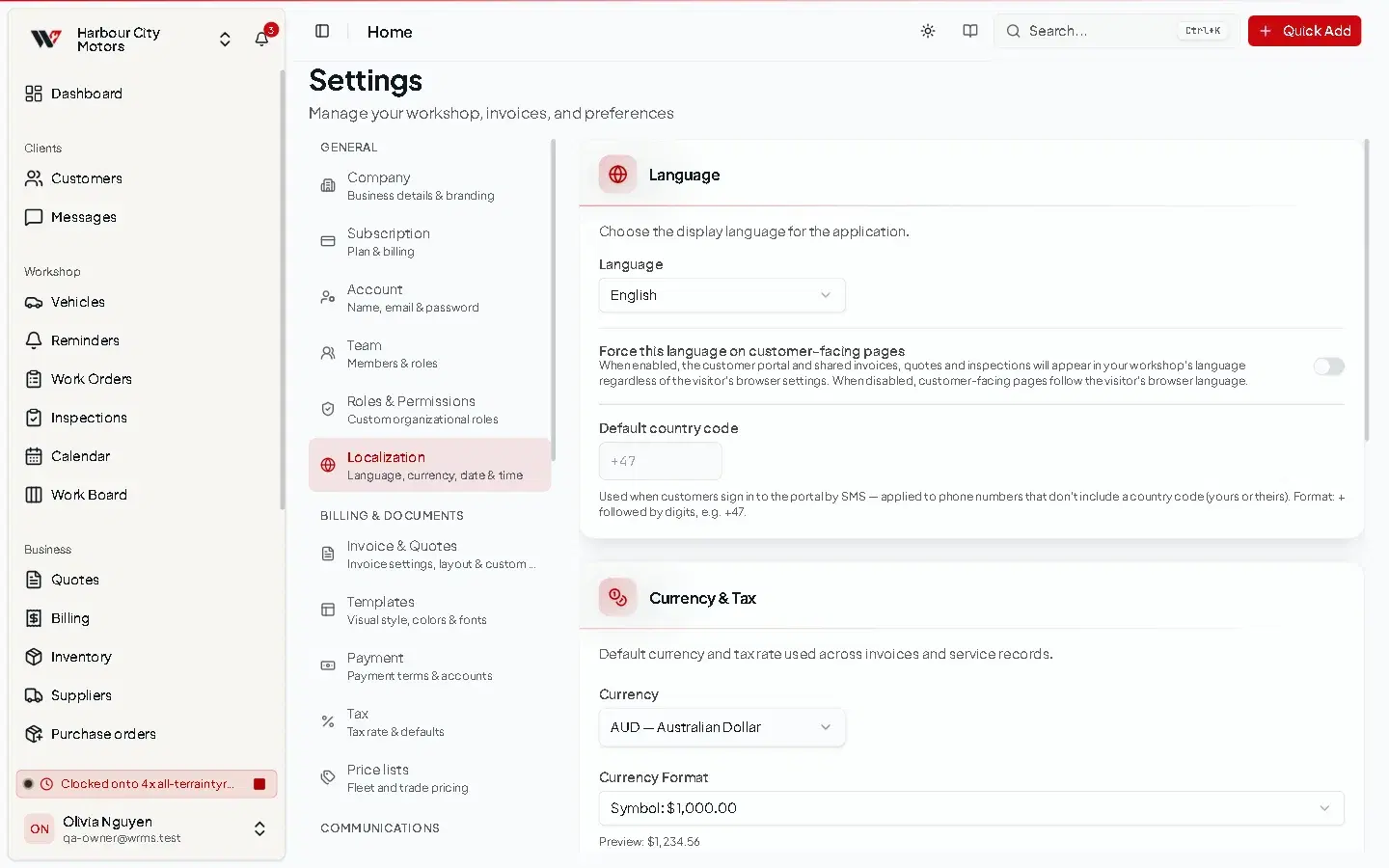
Localisation and appearance
Settings → Localization and Settings → Appearance
- Language — WRMS Pro is available in 12 languages.
- Force this language on customer-facing pages — shared quotes, invoices and inspections appear in your workshop's language rather than the customer's browser language.
- Default country code — added to phone numbers typed without one. Use
+61in Australia. - Currency, date format, time format, time zone and Week Start Day.
- Theme: light or dark.
WRMS Pro's English screens currently use some US spellings, such as "Labor", "Tire" and "Organization". The documentation quotes them as they appear.
Maintenance and alerts
- Settings → Maintenance — predicted maintenance. See Service history.
- Settings → Alerts — low stock and service request alerts. See Notifications.
- Settings → Tire hotel — turn the tyre storage module on. See Tyre hotel.
More than one workshop
If you run more than one site, each can be its own workshop in WRMS Pro, with its own customers, stock, staff and settings.
- To add one, open the workshop menu at the top of the sidebar and choose Add New Company.
- Switch between workshops from the same menu.
- Each workshop is set up separately. How many you can have depends on your plan: 1 on Starter, 3 on Small, 5 on Team and 10 on Large. See Subscription and plans.
Permissions
Changing any of these settings needs Settings → Edit.
Still need help?
Email support@wrmspro.com or use the contact form. Signed-in users can also send a request from Settings → Support.